

Place and manage trades
Open market and pending orders, then manage positions safely.
Account metrics
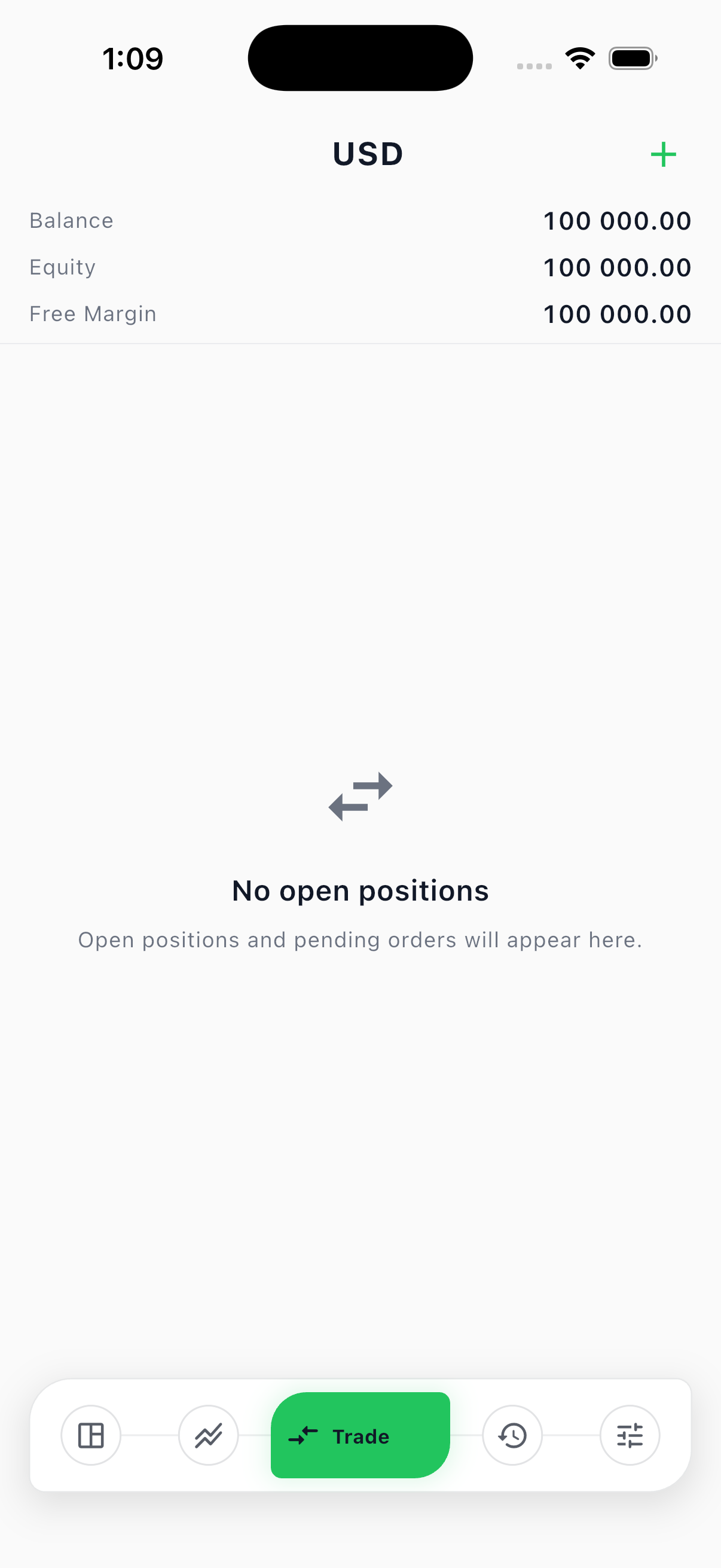
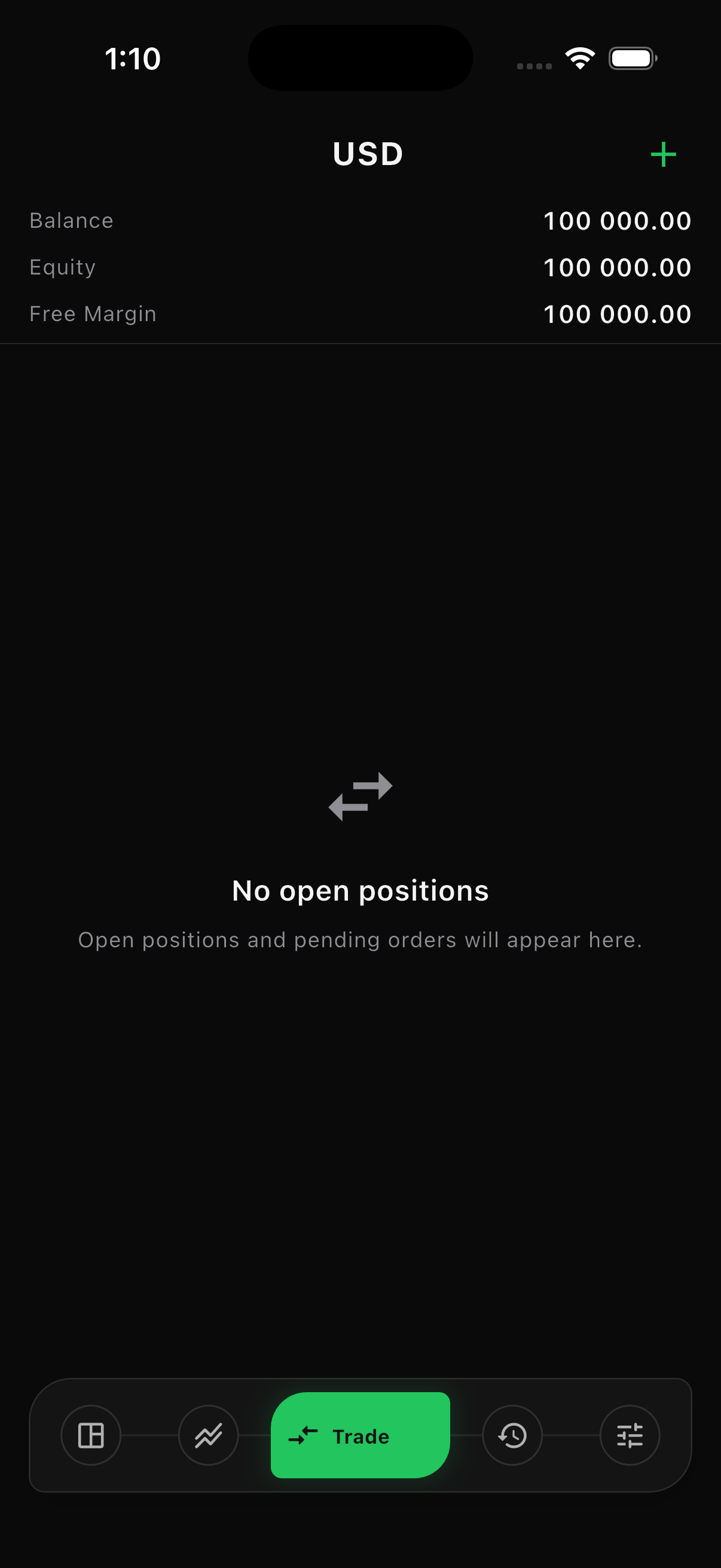
Section titled “Account metrics”The Trade area shows the current account state:
| Metric | Meaning |
|---|---|
| Balance | Settled account funds after completed balance changes and trades. |
| Equity | Balance plus current floating profit or loss. |
| Margin | Funds currently reserved for open exposure. |
| Free margin | Equity available after used margin. |
| Margin level | Equity relative to used margin. |
| Floating P/L | Unrealized profit or loss on open positions. |
Open a market position
Section titled “Open a market position”- Open New Order
Select a market from Markets, the chart, or the Trade area.
- Choose Market execution
A market order fills at the authoritative server bid or ask, which can differ from the last price drawn on your device.
- Set the volume
Use a volume permitted by the market’s minimum, maximum, and step settings.
- Add protection
Stop loss and take profit are optional. Their direction and distance must be valid for the selected side.
- Submit the side
Select Sell by Market or Buy by Market, then wait for the filled or rejected result.
Place a pending order
Section titled “Place a pending order”Choose Limit or Stop, enter the requested price, volume, and optional protective levels, then submit the side. The order remains pending until the server price triggers it, you cancel it, or the server rejects it.
Manage a position
Section titled “Manage a position”Select an open position to:
- Open its chart
- Create another trade on the same symbol
- Modify stop loss or take profit
- Partially close an allowed volume
- Close the full position
Closing a buy uses the authoritative bid. Closing a sell uses the authoritative ask.
Manage a pending order
Section titled “Manage a pending order”Select a pending order to modify its requested price and protective levels or cancel it. A filled, rejected, or cancelled order can no longer be modified as pending.
Close several positions
Section titled “Close several positions”The desktop Trade panel can close all positions or a selected side. Quotes are refreshed per symbol before execution. Review every result because one position can fail while another closes successfully.