

Markets and quotes
Watch prices, manage symbols, and inspect trading specifications.
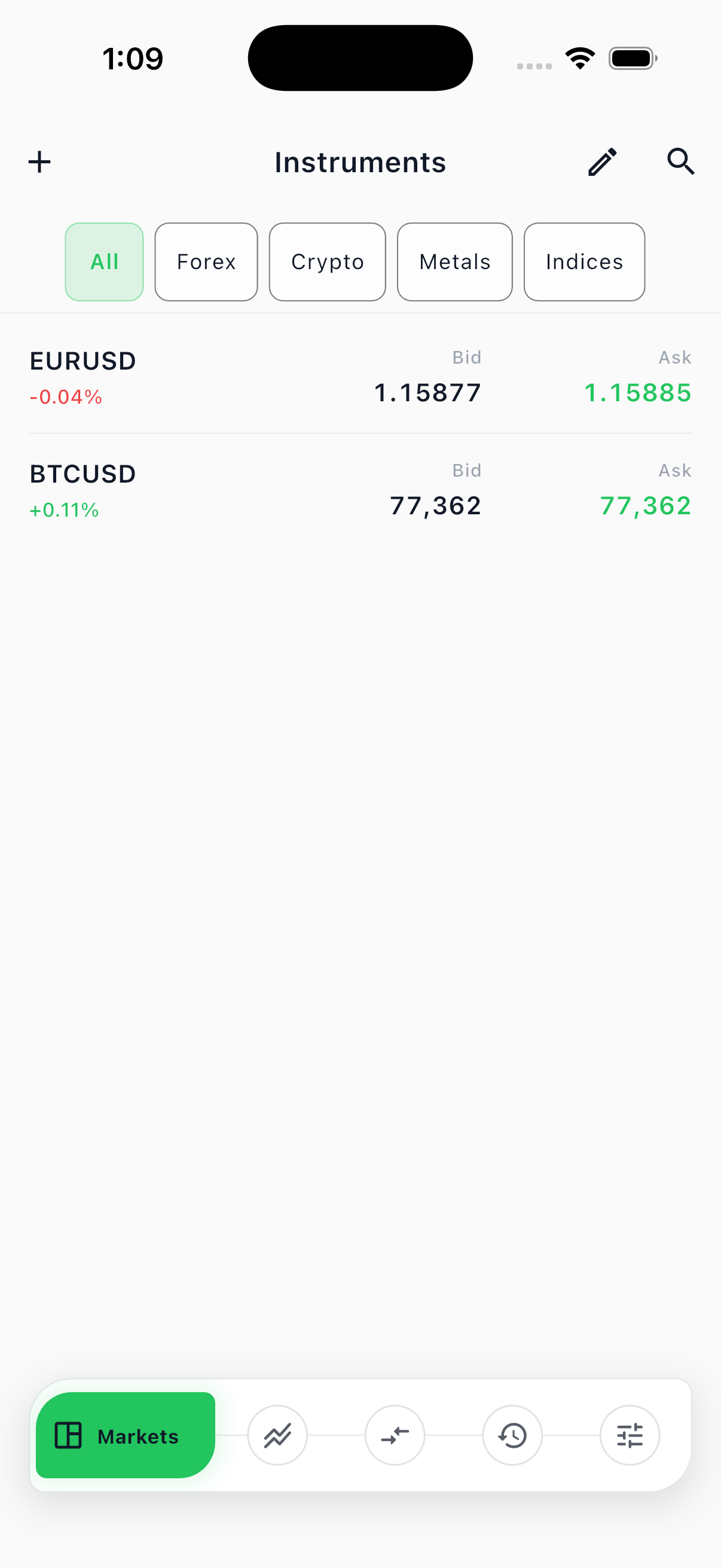
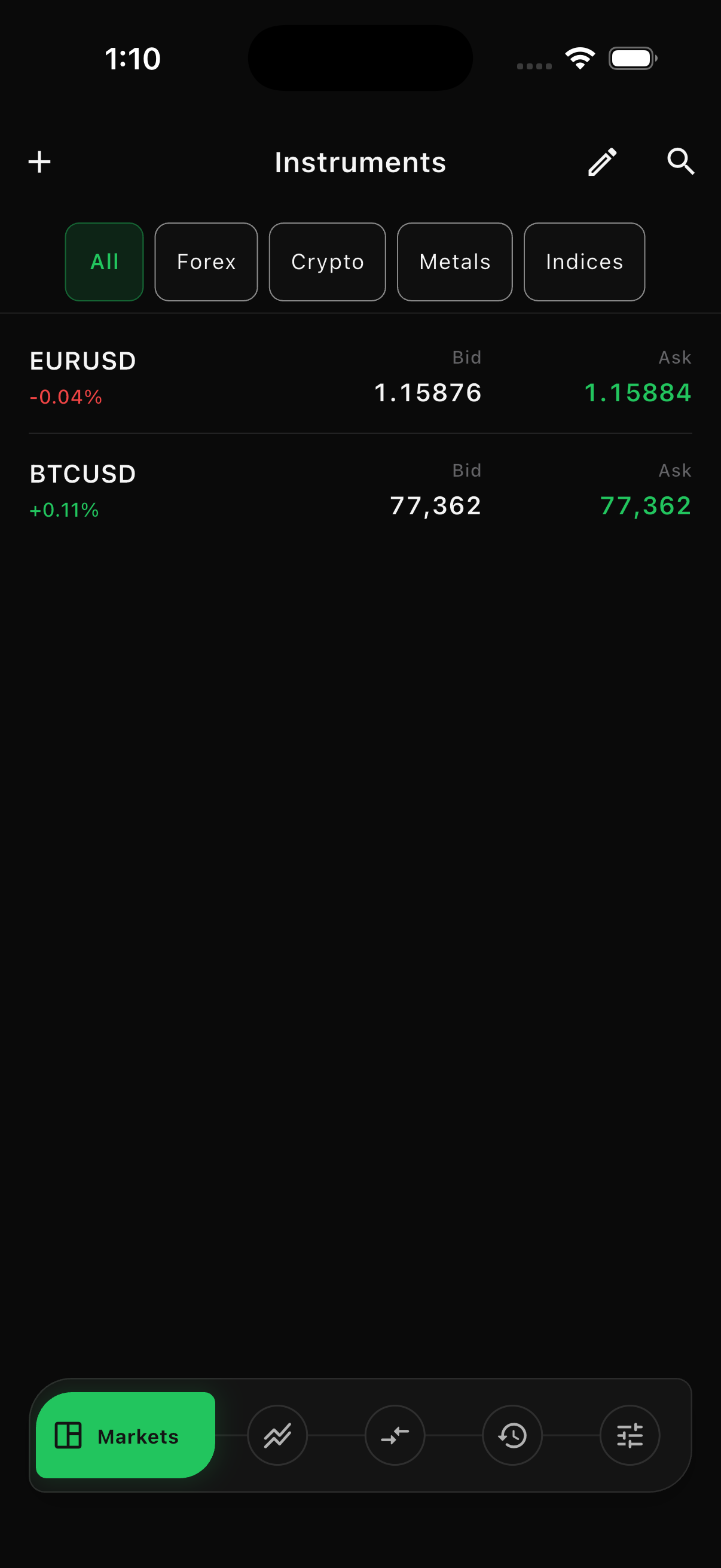
The Markets area shows the latest bid and ask for each market in your watchlist.
Read a quote
Section titled “Read a quote”- Bid is the price used when you sell or close a buy position.
- Ask is the price used when you buy or close a sell position.
- The difference between bid and ask is the spread.
- A percentage beside the symbol shows the displayed price change.
Prices can pause when the market is closed or the device is reconnecting. Do not submit an order until the Terminal shows a current quote.
Add a market
Section titled “Add a market”- Open Markets.
- Select the + button or search action.
- Search by symbol or name, or filter by category.
- Add the market to your watchlist.
Only markets attached to the current trading server appear. Each server can set its own spread, lot range, margin, commission, swaps, and trading hours.
Your watchlist opens with the markets your broker chose for the server the first time you sign in. From then on the list is yours: adding, removing and reordering are kept, and your arrangement is not replaced by the broker’s defaults.
Arrange or remove markets
Section titled “Arrange or remove markets”Select the edit action in Markets to arrange the watchlist or remove a symbol. Removing a symbol from the watchlist does not close positions or cancel pending orders.
Market details
Section titled “Market details”Open a market to review:
- Bid, ask, and spread
- Contract size
- Minimum and maximum volume
- Volume step
- Price digits and tick size
- Profit currency and tick value
- Long and short swap
- Trading days and hours
- Commission and margin rate
From the market actions, you can open its chart or prepare a new order.