

History
Review positions, orders, deals, and account balance activity.
The History area separates the lifecycle of a trade into three views.
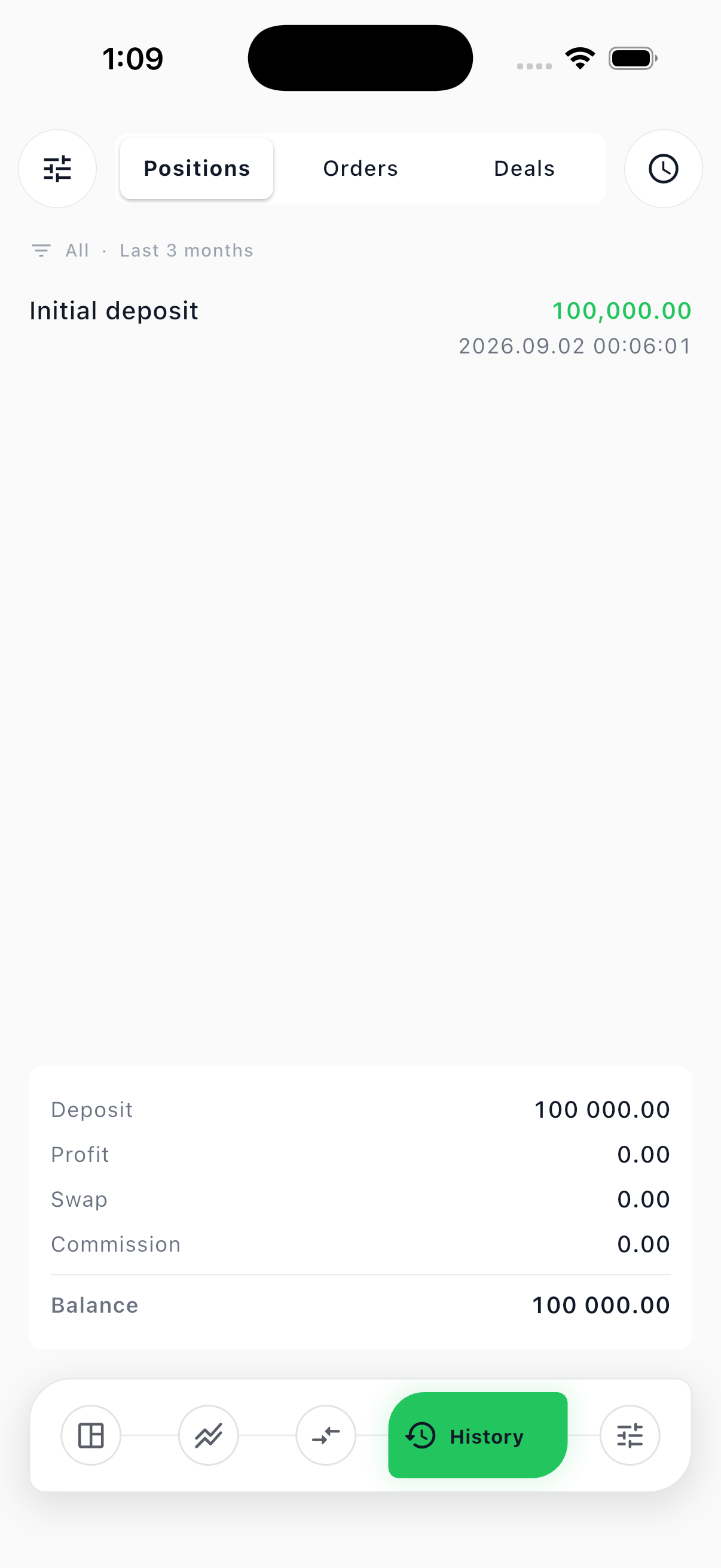
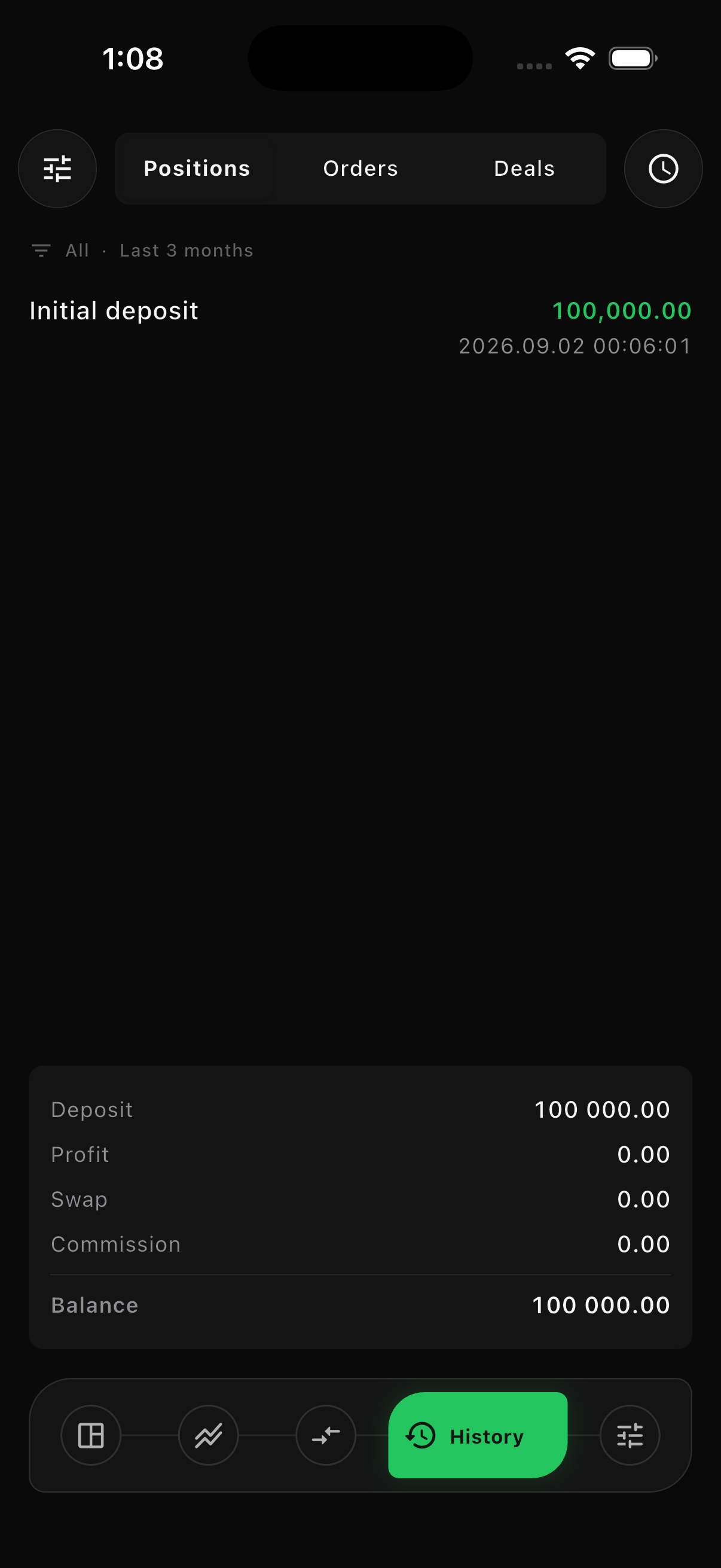
Positions
Section titled “Positions”Use Positions to review completed position lifecycles and balance entries. A position can contain an opening deal and one or more partial or full closing deals.
Orders
Section titled “Orders”Use Orders to review instructions submitted to the server. An order records its symbol, side, volume, type, requested price, execution status, and timestamps.
Use Deals for execution-level records. Market fills, pending-order fills, partial closes, full closes, commission, swap, and realized profit or loss appear at this level where applicable.
Filter history
Section titled “Filter history”Use the filter and period actions to narrow history by symbol and time period. The summary updates to match the active filter.
| Status or reason | Meaning |
|---|---|
| Pending | The order is waiting for its trigger price. |
| Filled | The server executed the order. |
| Cancelled | A pending order was cancelled before execution. |
| Rejected | The server refused the order and should provide a reason. |
| Stop loss | The position closed automatically at its stop-loss condition. |
| Take profit | The position closed automatically at its take-profit condition. |
Balance activity is recorded separately from market P/L. Each deposit, withdrawal, commission, swap, profit, or loss must create its own immutable history entry.
Swap is charged once per trading day while a position stays open, at the rollover hour rather than at close. An open position therefore shows a swap figure that grows day by day, and closing it reports the total it paid.