Android package
This download page is for the Android APK.
Koneth Trader ships here as an Android package, and it cannot be installed or run on a computer. Use the terminal that runs on the machine in front of you:
Viewing this on a phone? Open koneth.com/platform/android on the Android device to download the APK there.
Koneth Trader
Download APK
Android phones only. Open this page on your Android device to install the APK.
- Version
- 1.0.30
- Size
- 25.3 MB
- Requires
- Android 7.0+
- Developer
- KONETH TECHNOLOGIES LIMITED
Version 1.0.30
- Price alerts now evaluate the account’s live quotes and appear once when their target is reached while the terminal is open.
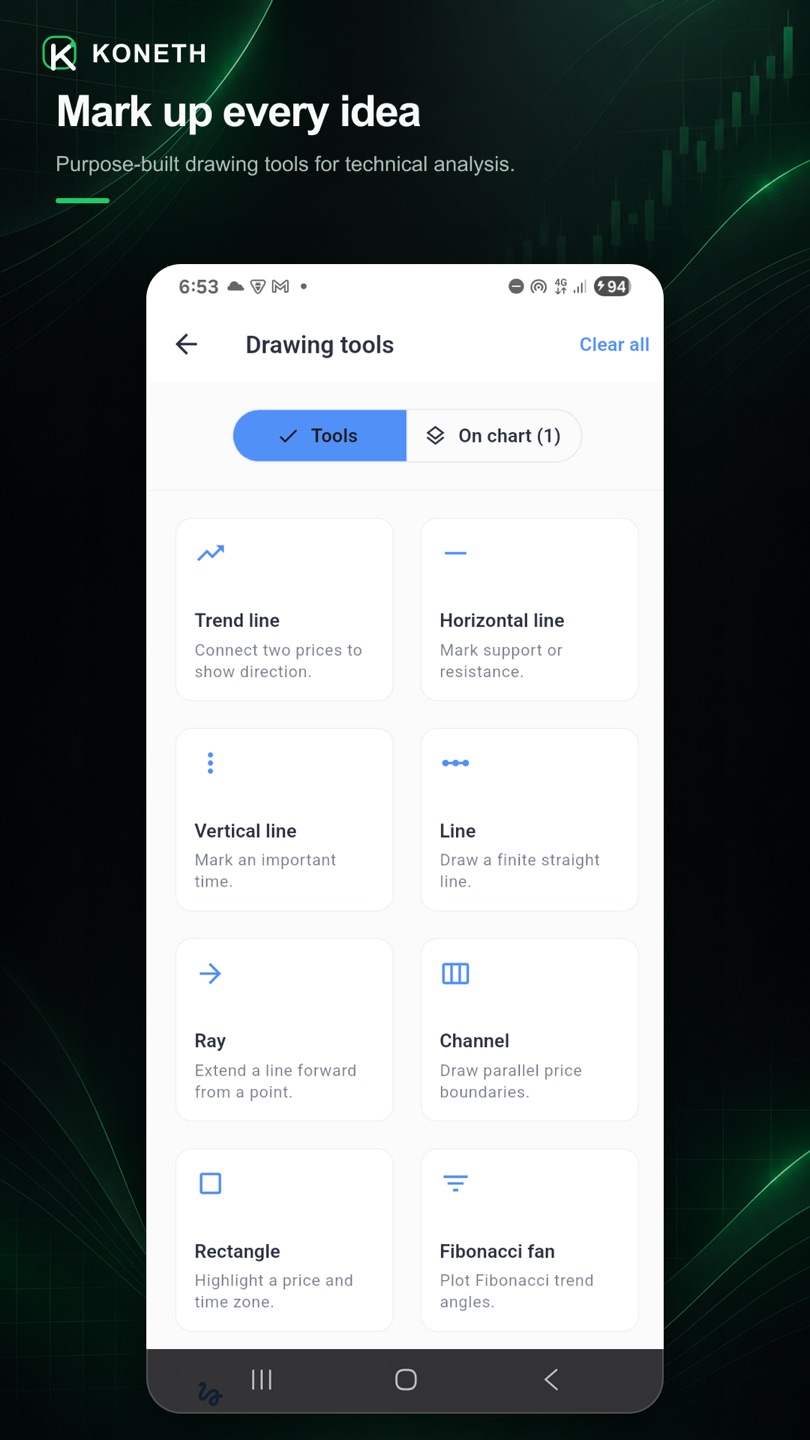
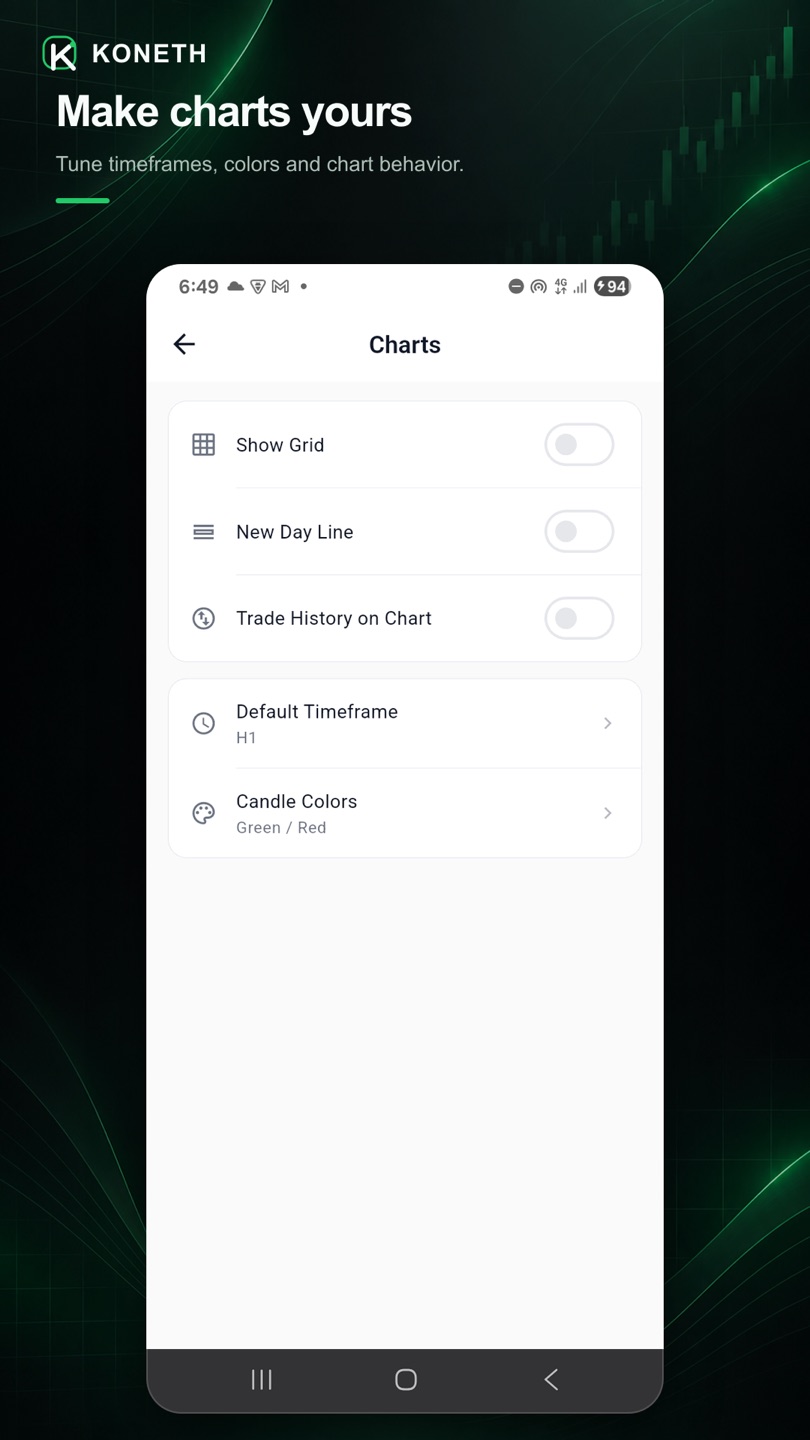
Preview
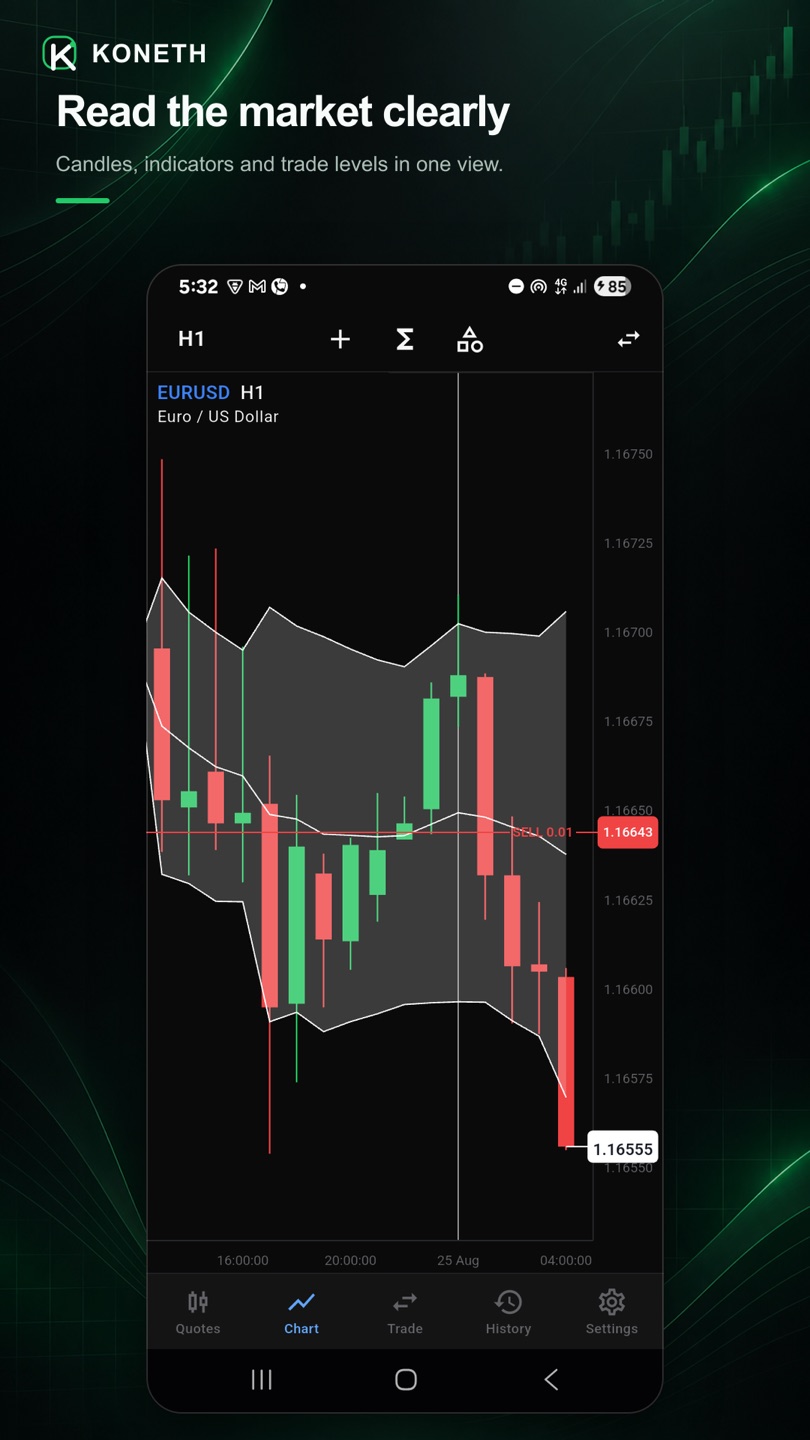
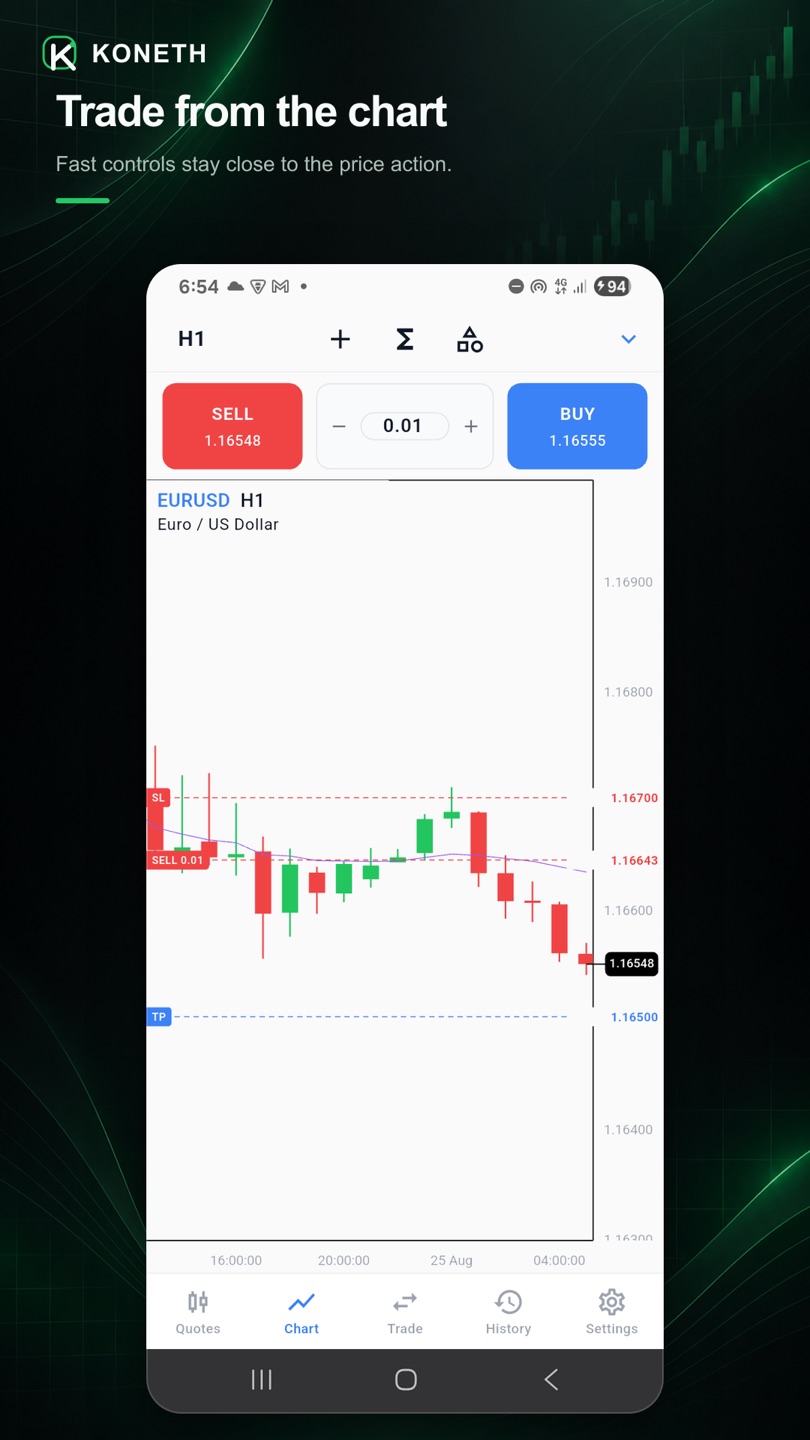
Charts, execution, and settings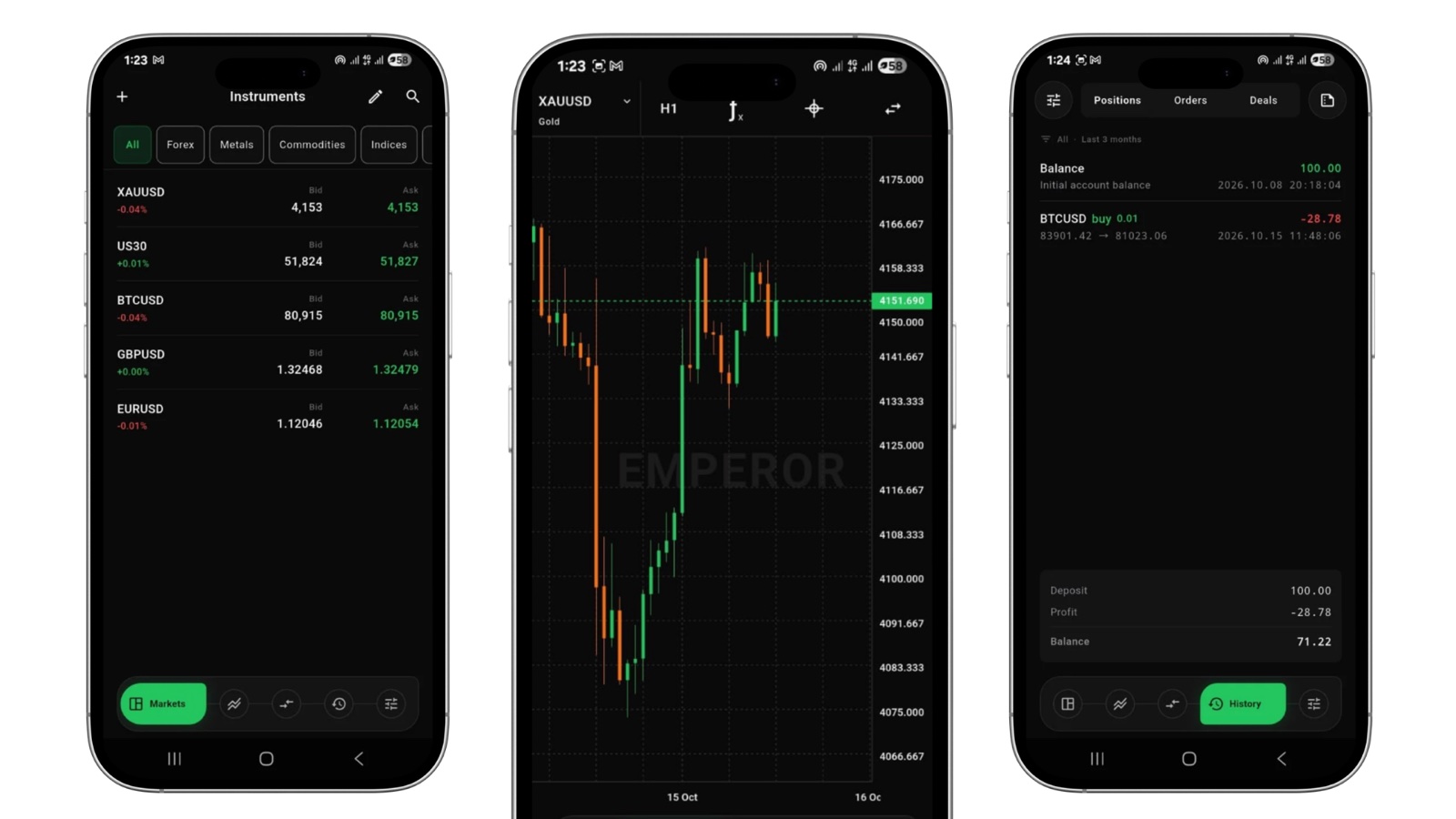
23 earlier builds
Version 1.0.29
- KAS start and stop no longer flash a false null error caused by an incomplete server response.
Version 1.0.28
- App Settings now shows the device push-notification status and guides traders through the native permission or system-settings flow.
Version 1.0.27
- The Markets tab highlight now uses a softer left corner while the navigation dock keeps its original shape.
- Settings no longer uses extra Trading, Terminal, and Help section headings; Support & Community remains one grouped entry.
- The first bottom-navigation corner adjustment shipped.
- Price Alert and Automated Strategies sheets now stay clear of Android navigation controls.
- New Account shows the Koneth broker first and waits for three search letters before listing other brokers.
- KAS symbol choices now come from the trader’s own Markets list, and chart symbol changes correctly reset the chart without changing its timeframe.
- The KAS log console, compact empty states, and Settings help hierarchy have been redesigned for cleaner mobile use.
- Automated Strategies now runs on the trading server and uses the latest mobile terminal controls, logs, limits, and start flow.
- Bulk stop-loss and take-profit changes can be applied across positions by instrument and direction, with per-position results.
- QR connection supports broker discovery, account prefill, password-assisted connection, and investor or trader credentials.
- Markets, charts, alerts, chart tools, and signed-out screens pick up the latest mobile refinements.
- Koneth Technologies Limited is now the first broker on the New Account page.
- Broker Information is available from every broker row, with organization registration and contact details supplied through the Console.
- Settings adds Register a Demo Account and a native sandbox registration screen with simulated-only details and disclaimer.
- Native demo registration creates the account and signs the trader in automatically, with the browser sandbox retained as a fallback.
- Settings followed the requested account, chart, journal, storage, support, rating, developer, and community order.
- The Traders Community row no longer carried extra subtitle copy.
- After accepting the agreement, a dismissible demo-account prompt opened the Koneth Sandbox in the browser.
- A signed-out Trade page now hides the add button, currency label, and empty-position text while retaining zero-value account metrics.
- The terminal now opens on Settings when no trading account is available.
- The agreement now appears as a simpler, non-dismissible MT5-style popup over the terminal.
- Signed-out Markets and Chart keep their controls over a blank workspace, while Trade shows zero account metrics and History shows a small empty message.
- User Guide is no longer duplicated inside App Settings, and Rate this App now sits on the main Settings page.
- Settings adds a Traders Community link to the Koneth Discord.
- The cached-session sign-in banner no longer covers Trade or Positions history.
- The agreement is now a simple MT5-style popup over the terminal, with a short disclosure, inline legal links, and one acceptance button.
- Traders updating from the previous welcome screen see the agreement once before continuing.
- The cached-session sign-in banner no longer covers Trade or Positions history.
- The first-launch agreement was redesigned for phone and desktop with clearer disclosures, legal links, and acceptance controls.
- Traders updating from the previous welcome screen saw the redesigned agreement once before continuing.
- The cached-session sign-in banner no longer covers Trade or Positions history.
- The first-launch agreement is redesigned for phone and desktop with clearer disclosures, legal links, and acceptance controls.
- The terminal opens on its workspaces immediately while accounts, markets, and charts refresh in the background.
- Your last market list, quotes, account snapshot, and chart are restored from cache, including while offline.
- Signed-out traders now see the terminal shell with clear empty states and sign-in actions instead of a forced login screen.
- A first-launch welcome screen now records acceptance of the EULA, Privacy Policy, and Disclaimer.
- Indicators and drawing tools now open as one Chart tools page, with a tab for each list.
- Bulk actions can set or clear take profit and stop loss across every position in one instrument and direction, and report the result for each position.
- Stop loss and take profit fields in the ticket show what a level is worth as you type it, for a buy or a sell.
- Chart price labels step around the live price and position tags instead of disappearing.
- The chart header, grid, and crosshair controls hold their layout on narrow screens and at larger text sizes.
- Signing out returns to your saved accounts instead of the login screen.
- The rail is the terminal settings column: chart controls, the account menu, and the theme in one place.
- Quick trade on the chart moved to the chart head, clear of the prices it was covering.
- An order trades from the price the ticket leads with.
- Fonts carry their own bytes, so a cached copy can never be yesterday's.
Version 1.0.13
- The chart is one surface, and the rail chooses which panel it shows.
- The terminal rests on one desktop shell, and sheets open as dialogs on a desktop.
- One header row at one height, with the account in a card of its own.
- The chart has a mode of its own: one chart, its own timeframe, and a way back.
- The chart keeps its objects button, and the active chart is marked with a line.
- The launch screen is the lockup alone.
- Every operation answers with one of two cues.
Version 1.0.11
- A failed action shows its message where the action was asked for.
Version 1.0.10
- The chart keeps its sweep when a drawing sits on it.
Version 1.0.9
- A chart object already on the chart can be picked up and edited again.
Version 1.0.8
- An indicator label no longer covers the indicator it names.
- The app icon draws its grid.
- Account history leaves untouched figures out of the summary.
- The native apps open on the lockup the web app already painted.
Information
Finance- Developer
- KONETH TECHNOLOGIES LIMITED
- Category
- Finance
- Package
- com.koneth.trader
- Version
- 1.0.30 (build 2031)
- Updated
- 24 Oct 2026
- Size
- 25.3 MB
- Requires
- Android 7.0 or later
- Architecture
- arm64-v8a (64-bit ARM)
- File
- koneth-trader-1.0.30-arm64-v8a.apk
Install the APK
- Open this page on the Android phone or tablet you want to install it on.
- Tap Download APK, then confirm the download.
- Open the downloaded file and allow the install when Android asks.
- Sign in with the same credentials you use for the web or desktop terminal.
Verify the download
Every build is signed with the Koneth release key and published once. Compare the SHA-256 of the file you downloaded with the one below before you install it.
718c1d99624ca3cb4267374a36b54ecbba424d5cafa0acfb6c5e901d89b58e77