KAS strategy
EMA Crossover
XAUUSD · M5 · 0.10 lots
onBar()RunningLogsSettings
Koneth automatic trading
Build and run a KAS inside the native macOS or Windows terminal, or connect your own backend through the account-scoped Trader API.
const fast = ema(close, 20);const slow = ema(close, 50);if (crossover(fast, slow)) { trade.buy({ volume: 0.10 });}KAS in Koneth Terminal
Koneth Automated Strategies run locally inside the native macOS and Windows terminals. No separate backend or API credentials are required to create and operate a KAS.
XAUUSD · M5 · 0.10 lots
onBar()RunningEURUSD · H1 · 0.05 lots
onTick()StoppedWrite a strategy in the KS editor, validate it before saving, or import an existing .ks file.
Review the symbol, timeframe, volume, and strategy inputs before automated trading begins.
Use the terminal-wide Auto Trading switch and a separate permission for each KAS.
See running status, inspect logs, change settings, export the strategy, or stop it immediately.
KAS is available in the native macOS and Windows apps. Stopping a strategy stops future actions but leaves its existing positions open for you to manage.
The Trader API flow
Your strategy runs in infrastructure you control. The Trader API provides account state, position execution, and replayable events from the trading server.
POST /v1/auth/loginConnect your trusted backend or native client to one trading account on one Koneth trading server.
POST /v1/tradeOpen, close, or modify a position. Give each intended open action a unique client_request_id so retries stay safe.
GET /v1/streamResume from your last cursor after reconnects. If replay is truncated, refresh the source of truth with GET /v1/positions.
Trader API v1 surface
POST/v1/auth/loginCreate a session for one trading account and server.
GET/v1/accountRead balance, equity, margin, and access state.
GET/v1/positionsRead the authoritative open-position snapshot.
POST/v1/tradeOpen, close, or modify a position.
WS/v1/streamReceive replayable order and position events.
Strategy examples
Build EMA, RSI, breakout, momentum, trend, or grid logic as a desktop KAS—or bring the same strategy model to your own Trader API backend.
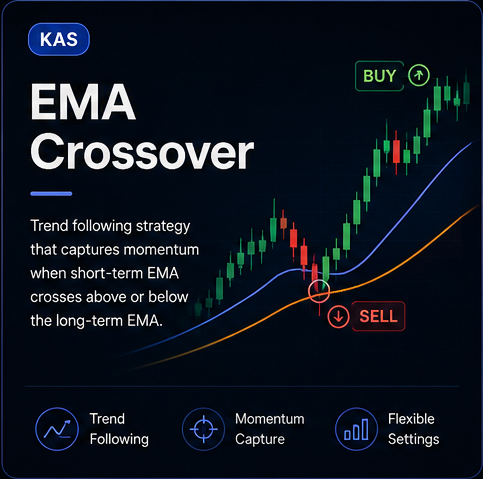
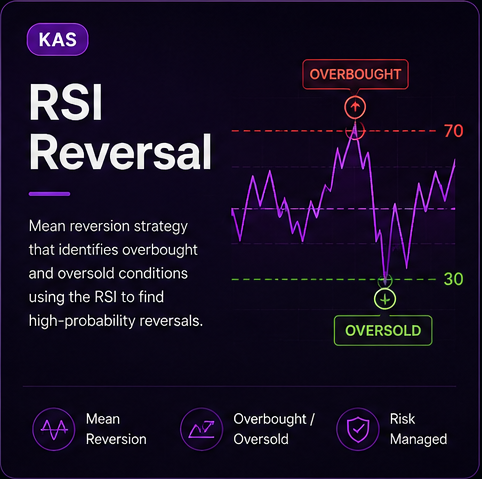
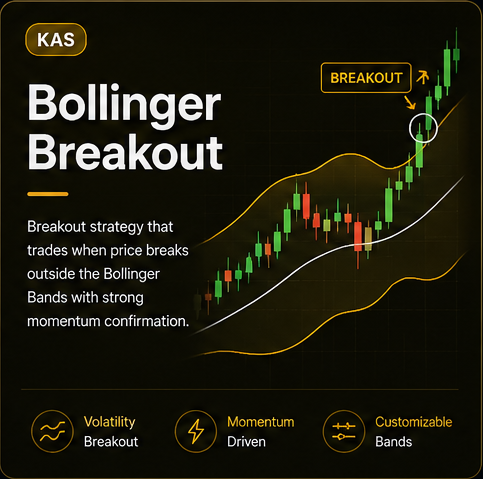
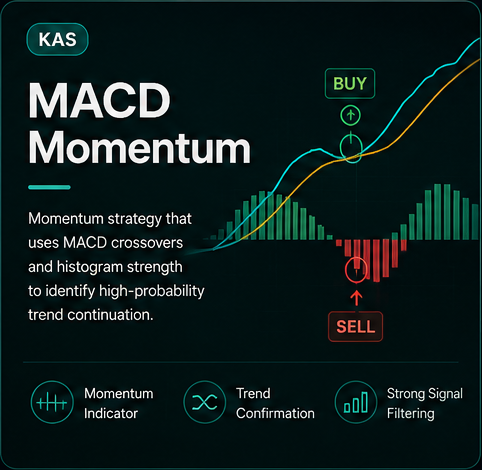
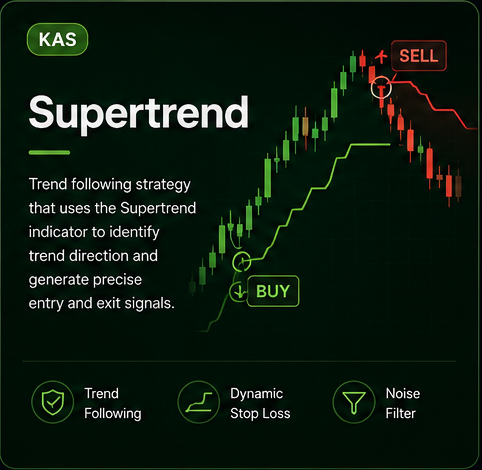
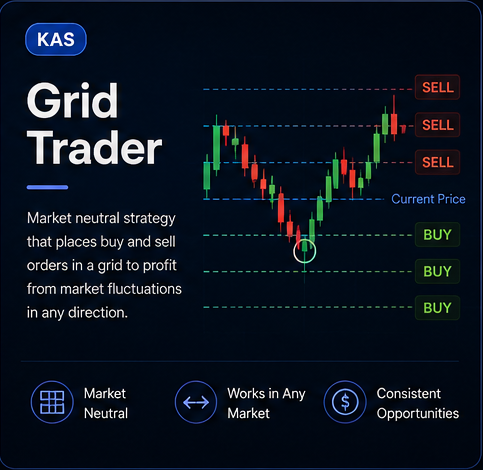
These strategies are illustrative signal models. Review every KAS or API integration, its sizing, symbol rules, and risk controls before enabling live trading.
Automation safety
KAS and Trader API integrations use the normal Koneth execution path, but you still own the strategy rules, permissions, sizing, and monitoring.
Check a .ks strategy, its editable inputs, symbols, timeframes, and volume before you allow it to trade.
The terminal-wide Auto Trading switch and the per-strategy Allow automated trading control must both be enabled.
Trader API session tokens belong in a trusted backend or native client—not browser code or public repositories.
Use idempotent open actions, process replayable events durably, and reconcile against authoritative server state.